Click to download now, finish the installation quickly, and directly unlock the all-round experience
Screenshots
Click to download now, finish the installation quickly, and directly unlock the all-round experience
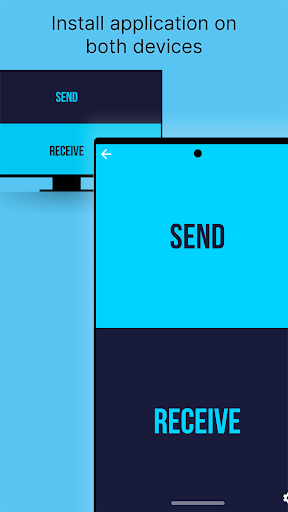
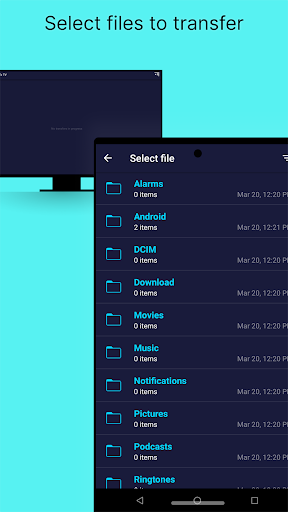
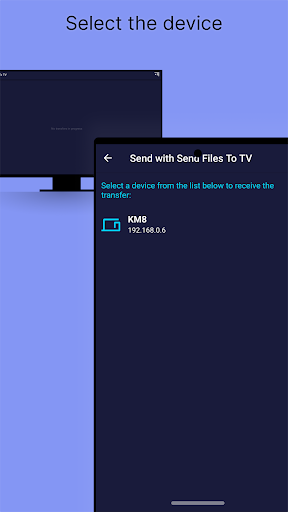
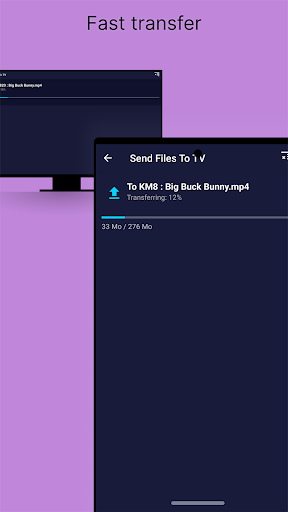
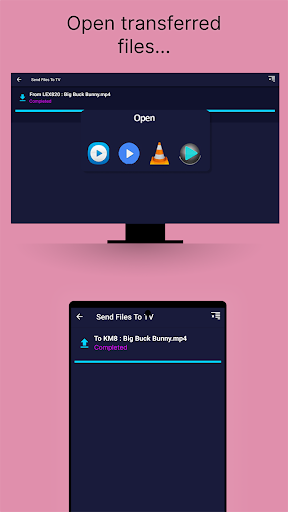
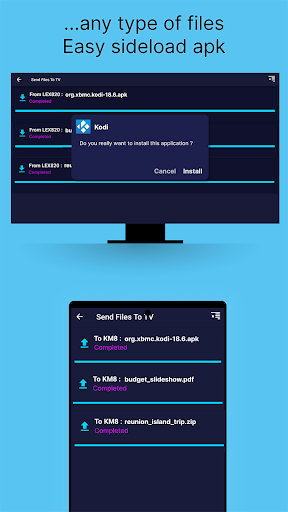
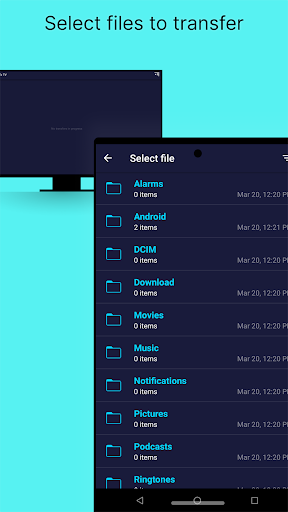
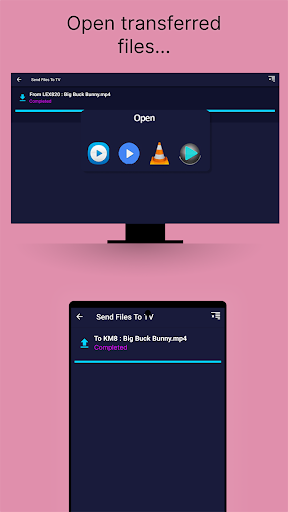
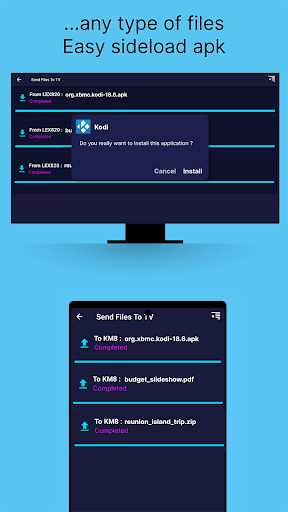
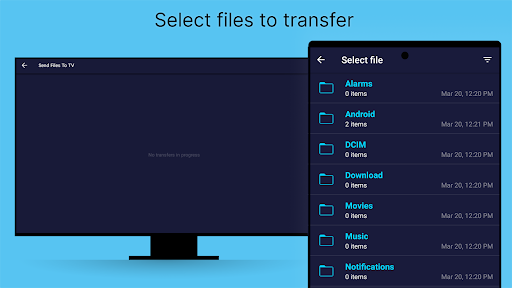
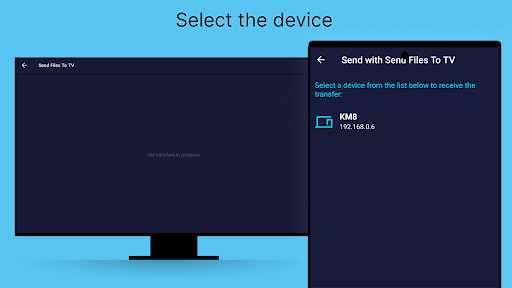
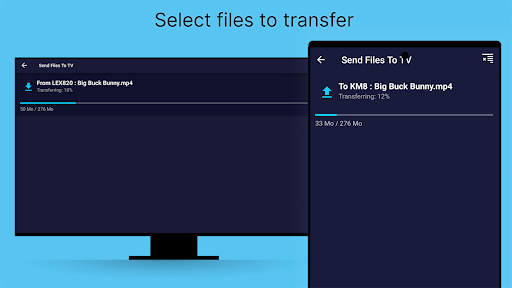
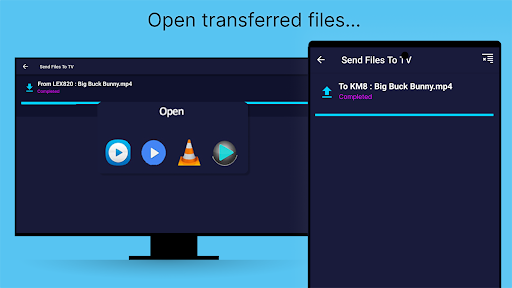
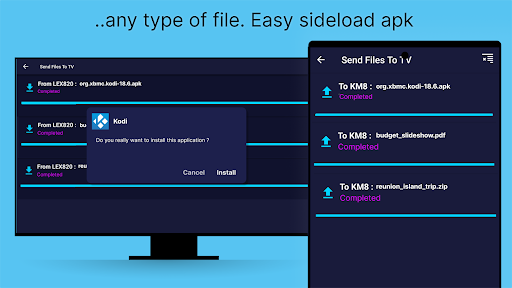
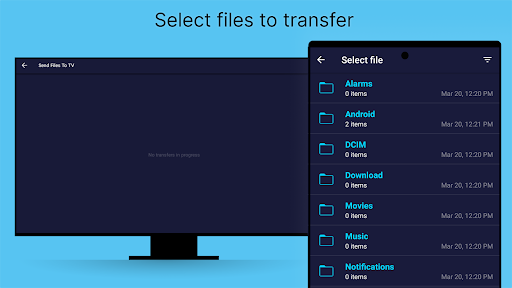
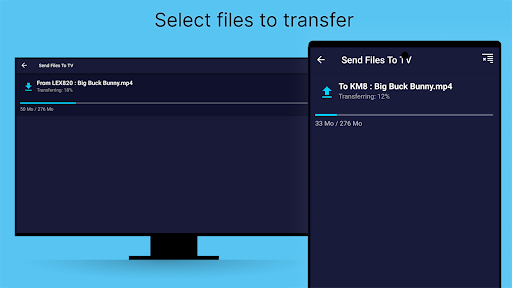
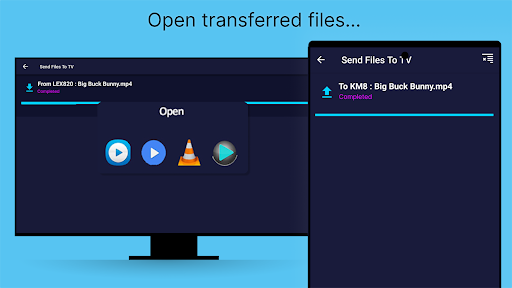
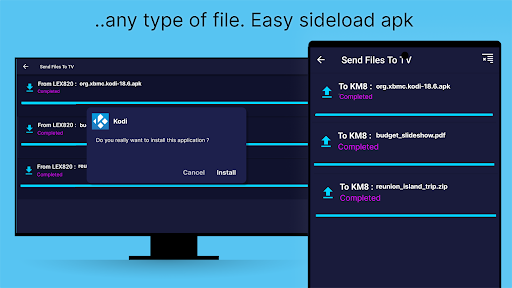
Send files to TV, by Yablio, is a file-transfer tool for moving videos, photos and other files between Android devices on the same local network. It suits people who want to send a file from a phone to an Android TV without relying on Bluetooth or an online storage service. The transfer works over the local network; an internet connection is not required.
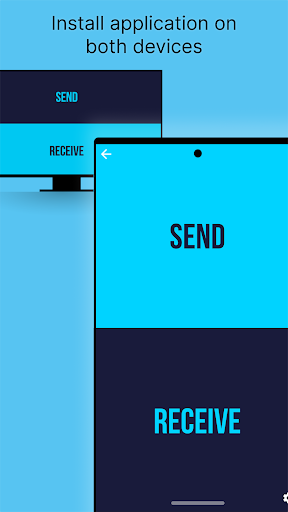
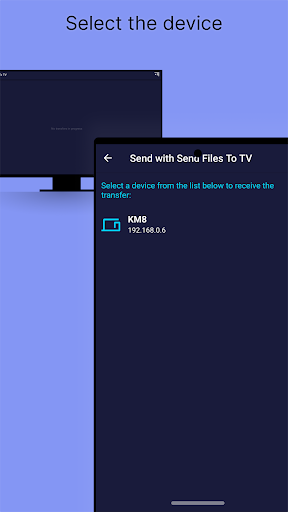
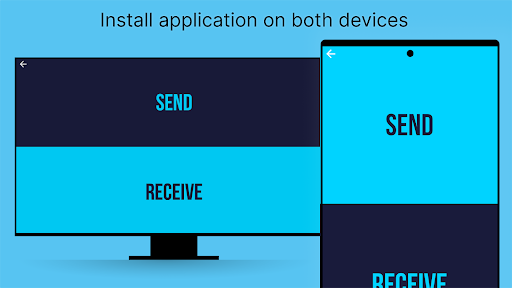
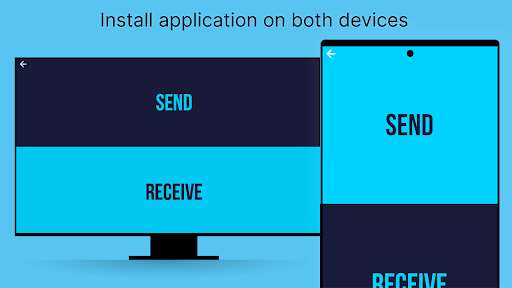
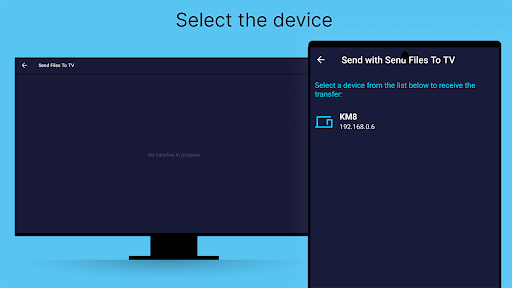
The app looks for other devices running it on your network. To transfer between a phone and a TV, both need the app; the same applies to any other participating device. The service also has versions for Windows, macOS and Linux, so transfers can include a computer as well as Android devices. This makes it more useful in a mixed-device home, but it is not a way to send files to a device that does not have the app.
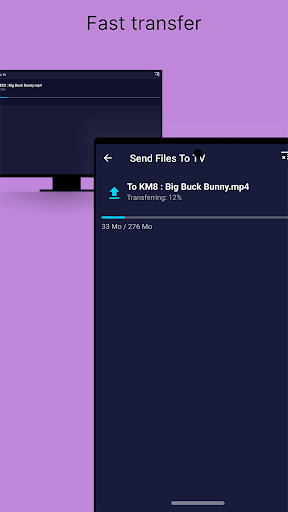
A local transfer can be convenient for large media files, and avoids uploading them to an online service. Its speed and reliability still depend on your network and the devices involved. You also need to be on the same local network and set up the app on each device you plan to use. If you only need to share an occasional small file, that setup may be more than you want; if you regularly move files to a TV, it can save repeated work.
Send files to TV has a 4.2 out of 5 rating from about 97,994 reviews and more than 10 million installs. Those figures suggest broad use and generally positive feedback, but they do not tell you whether it fits your particular network or devices. Consider it when direct transfers to a TV are the main need; for sharing beyond your local network, you will need another option.