Fonts Art - Keyboard Fonts
AIBY Inc.
Downloads
10,000,000+
Source
Google Play
Click to download now, finish the installation quickly, and directly unlock the all-round experience
Screenshots
Click to download now, finish the installation quickly, and directly unlock the all-round experience
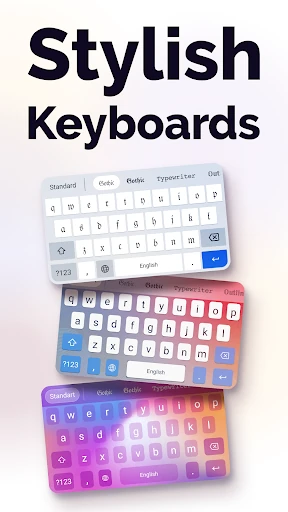
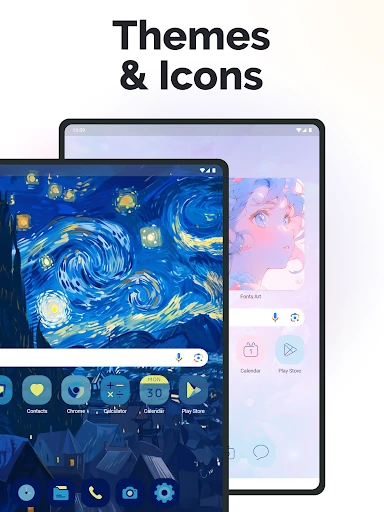
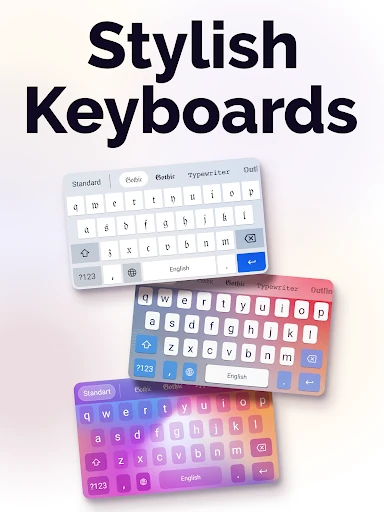
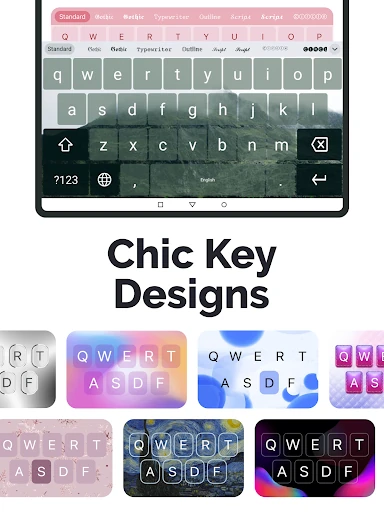
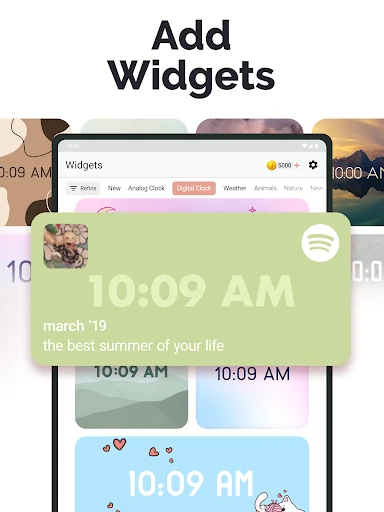
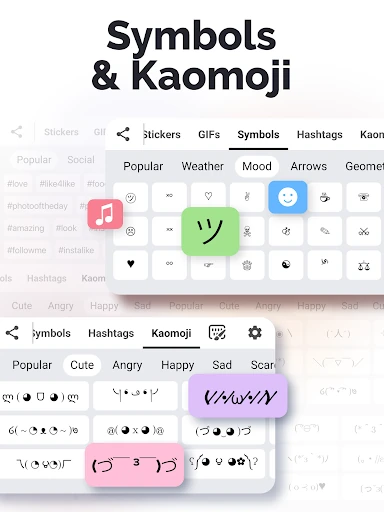
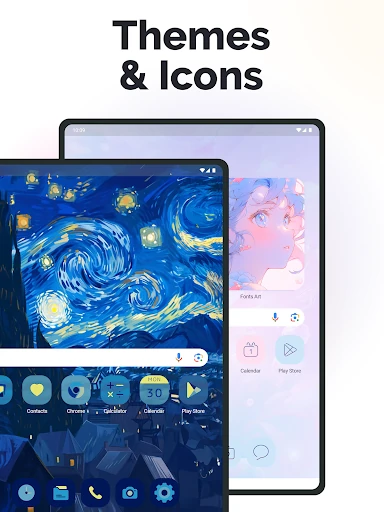
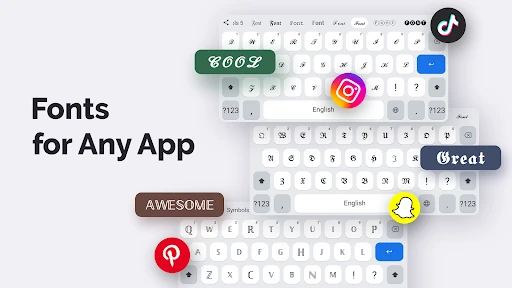
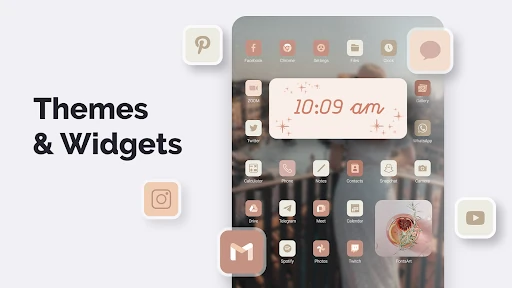
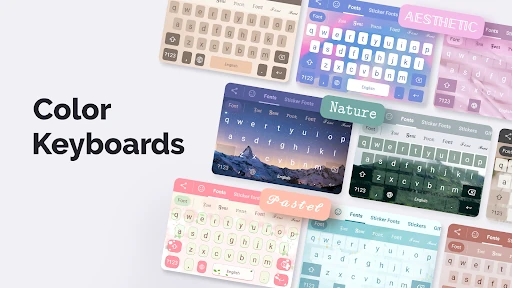
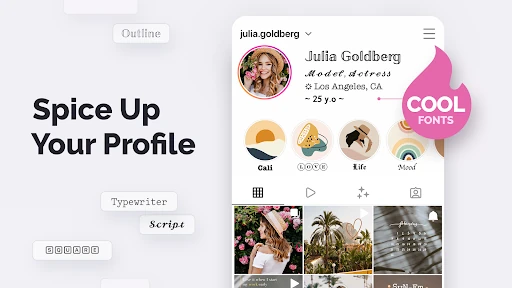
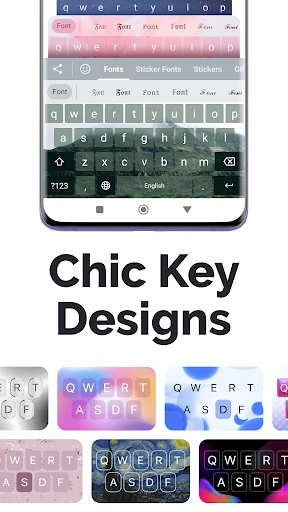
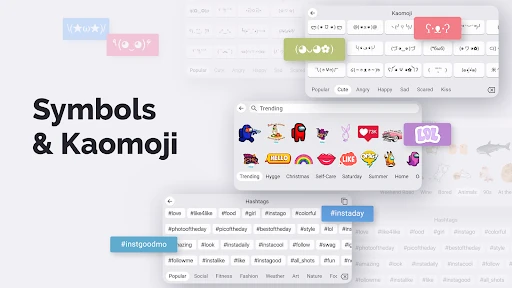
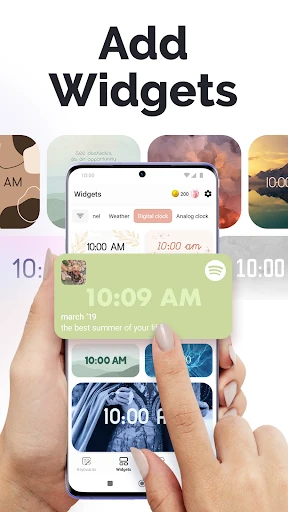
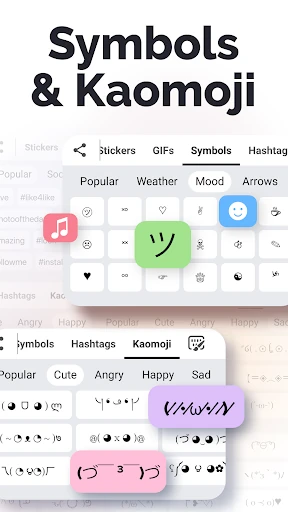
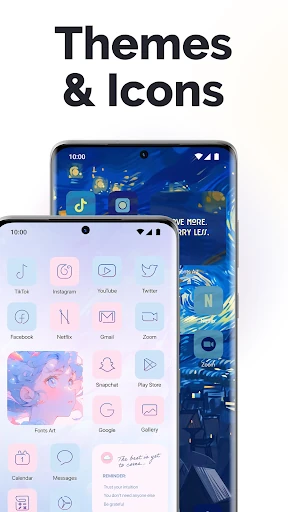
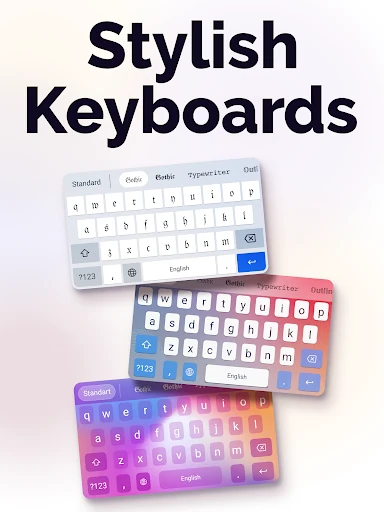
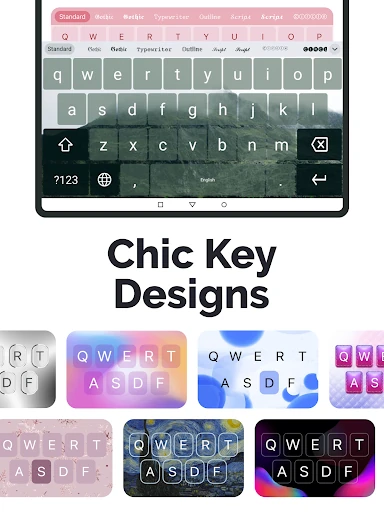
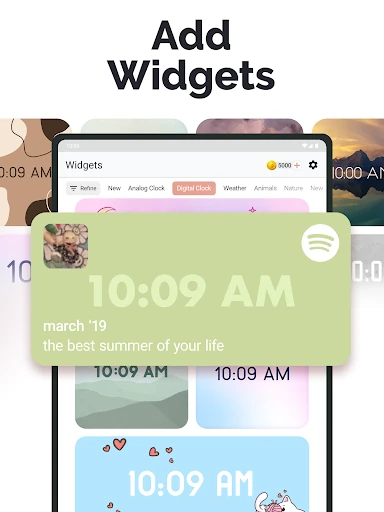
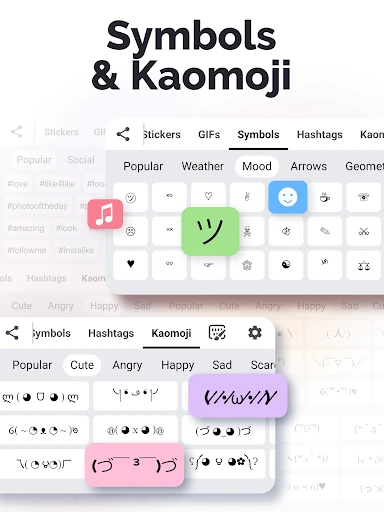
Fonts Art - Keyboard Fonts is a personalization app for people who want to change how their messages and phone screen look. It brings decorative text styles, symbols and kaomoji together with a themed keyboard, plus home-screen options such as widgets, wallpapers and icons. It suits someone who enjoys styling social posts or messages and wants more than a standard keyboard’s appearance.
The app’s focus is visual choice: pick fonts and symbols for text, use emoticons and kaomoji, and select keyboard designs. It also extends beyond typing with color widgets and options for dressing up the home screen. That range may be useful if you want a coordinated look in one place; it is less compelling if you only need a different font for occasional posts.
Fonts Art is built around appearance rather than adding core phone or messaging functions. Its keyboard and display choices mean more settings to browse and customize than a basic keyboard requires. Decorative text can also be less practical than plain text when you need a clean, consistent style. If you mainly want to type quickly, a simpler keyboard may be a better fit; if you enjoy personalizing several parts of your phone, the extra options are the point.
From AIBY Inc., Fonts Art is listed in Personalization and has a 4.5-star rating from about 414,000 reviews, with 10 million or more installs. Those figures show broad uptake, but they do not settle whether its styling tools match your taste. Consider it for expressive text and coordinated screen decoration; skip it if you prefer a minimal setup or rarely change your device’s look.