Click to download now, finish the installation quickly, and directly unlock the all-round experience
Screenshots
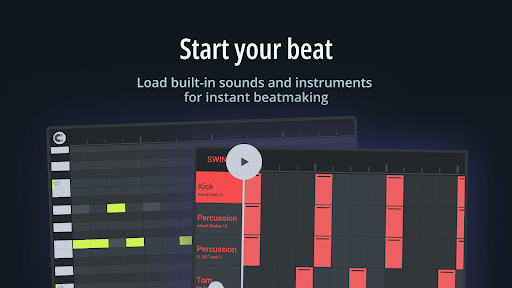
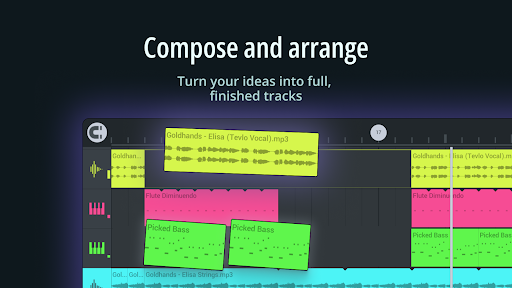
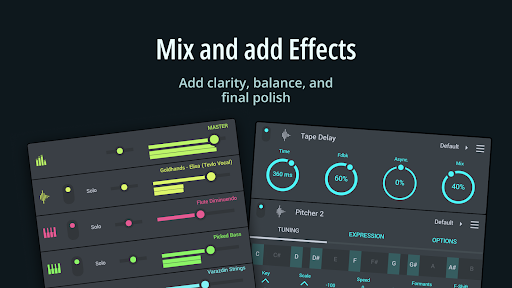
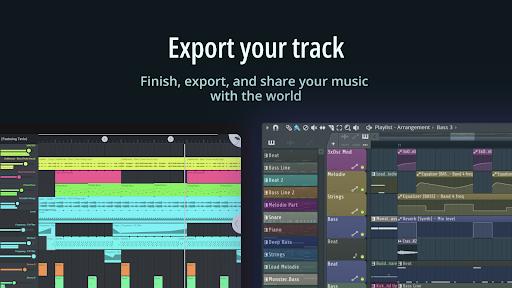
Click to download now, finish the installation quickly, and directly unlock the all-round experience
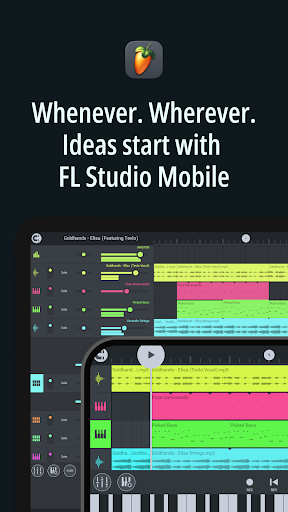
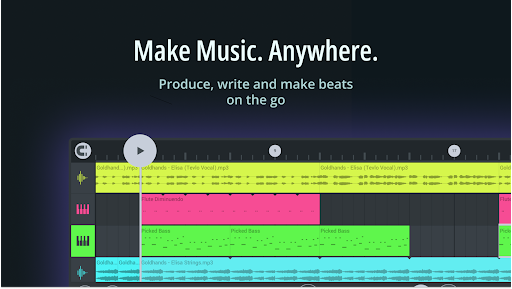
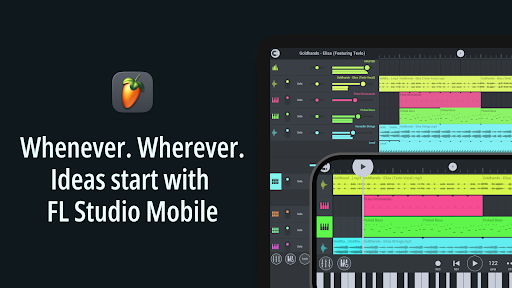
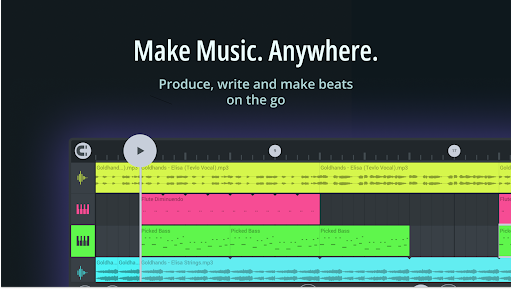
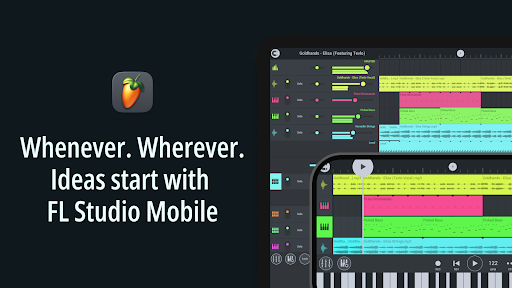
FL Studio Mobile is a music-production app for building beats, writing melodies, recording audio and mixing tracks on an Android phone or tablet. It suits people who want a hands-on studio for sketching or finishing music away from a computer, and creators who already work with FL Studio on desktop and want to move projects between the two.
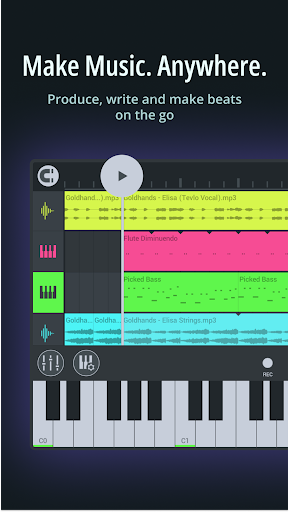
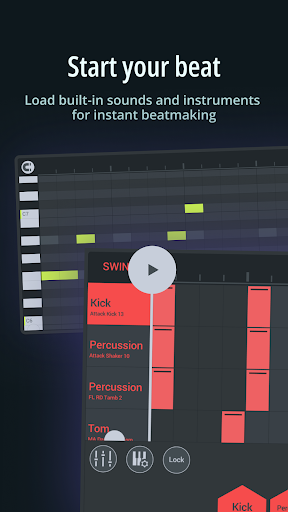
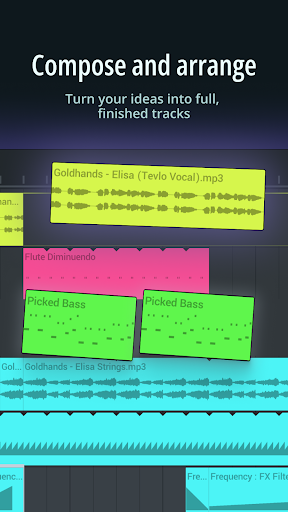
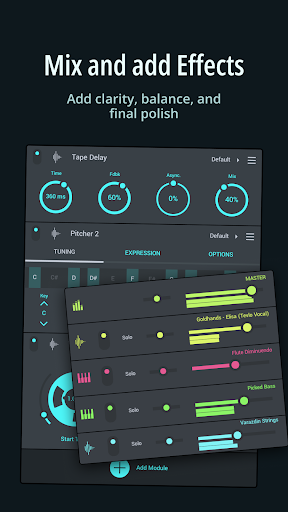
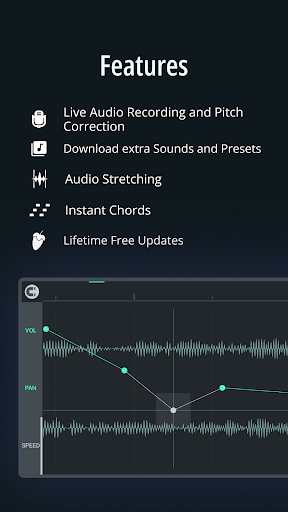
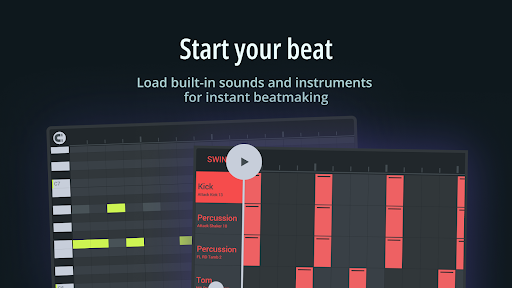
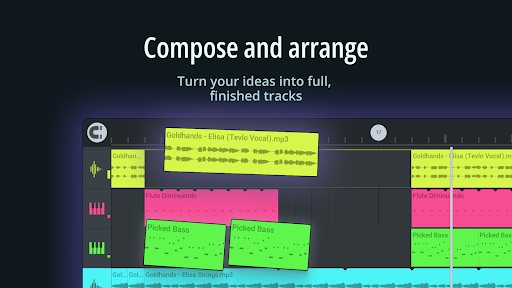
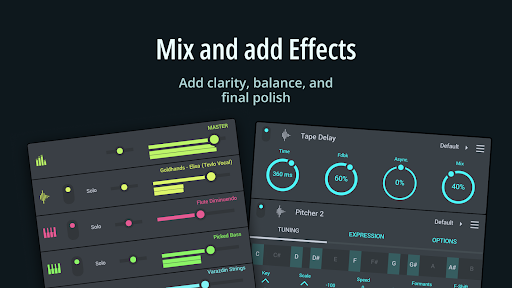
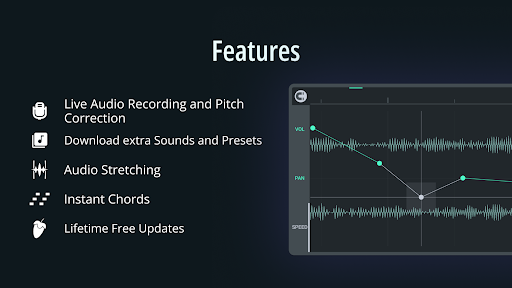
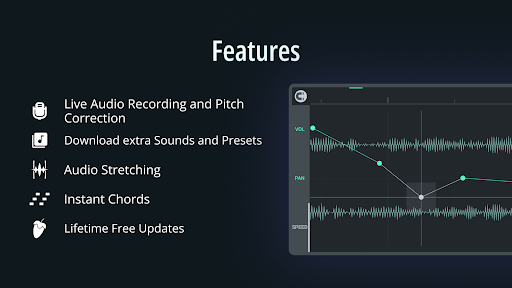
The app includes instruments for drums, bass and other sounds, plus a library of more than 1,000 sounds. You can enter and edit notes in a Piano Roll, arrange recorded audio, and use effects and mixer controls to shape individual tracks. Automation lets you record or draw changes to settings such as volume and panning. That range is useful for more than quick beat-making, but it also means there are plenty of controls to learn; someone after a very simple recorder may find it more involved than needed.
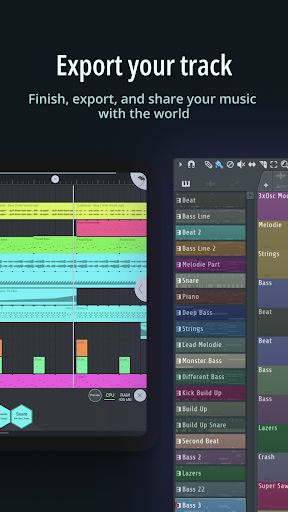
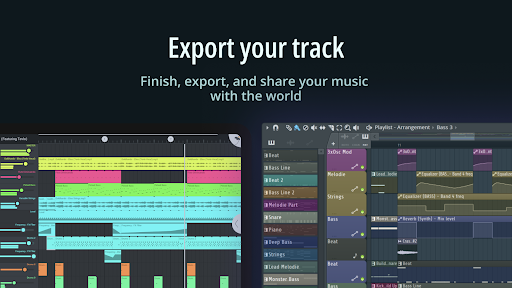
Audio recording supports vocals and real instruments, while MIDI controller support gives players another way to enter parts. Projects can be exported in common audio formats or MIDI, and mobile projects can be exported as FLP files for continued work in FL Studio Desktop. Those options make the app a more practical part of a larger music workflow. If you only need to capture a rough idea, many of its production and mixing tools may go unused.
Image-Line’s app has a 4.0 rating from 42,420 ratings and more than 1,000,000 installs. Those figures suggest a substantial audience, but they cannot tell you whether its workflow fits your own device or style of music. Consider how much editing and mixing you want to do on a touchscreen, and whether you’ll use the export and controller options. FL Studio Mobile is strongest when you want a capable portable workspace, not merely a place to jot down a melody.